Digital
Green Lights and Empty Restores: What a Failed Small Business Backup Looks Like
Nobody is quoted in this piece. The same questions went to several people who do small business recovery work, and the answers are reported rather than attributed.
- Words
- 878
- Written by
- Tobias Renfrew
- Filed
Backup failures do not look like failures, which is the difficulty at the center of the whole subject. They look like a green status light, an email arriving every night to say the job completed, and a folder full of files carrying recent dates. Everything that is wrong sits underneath that reassuring surface. Nobody is quoted anywhere in what follows, because this publication does not put words in a named person's mouth. The same questions went to several technicians who spend their working weeks recovering data for small businesses, and the answers are reported here because of how consistently they overlapped.
What Does a Failed Backup Usually Look Like on Arrival?
Almost always it looks healthy. The job runs on schedule, the log records success, and the destination has data sitting in it, so the failure is not that nothing was copied but that what was copied is not what anybody assumed. The most common version of that is scope. Somebody configured the job years ago to cover a folder that mattered at the time, and the business then grew around the configuration without anybody revisiting it, which is not negligence so much as the ordinary consequence of a setting that works.
The accounting file moved to a different server. A new share appeared for job photographs. Somebody started keeping estimates in a cloud folder that syncs rather than backs up. Meanwhile the backup carries on faithfully protecting a directory nobody has written to in three years and reporting success every night for doing it. The list of what matters changes quietly and continuously in a growing business, while the backup configuration changes only when somebody deliberately opens it, which is generally never.
Why Are So Many Backups Not Restorable at All?
A backup is not a copy of files. It is a copy plus whatever is needed to put those files back, and the two are genuinely different things, which is where database applications cause trouble. Copying a live database file while the application is running frequently produces a file that will not open, because it was captured partway through a write, and it backs up perfectly happily while restoring into an error message. The only way to find that out is to restore it, which almost nobody does until the day it matters most.
How Much Has Ransomware Changed the Answer?
A large share of current recovery work involves it, and it has changed what a good backup even looks like. A backup drive permanently attached to the machine it protects, or a network share the server can write to freely, is plainly visible to the same attack that encrypted everything else, and encrypting the backups is not an afterthought for the people running these operations. It is generally the first step, taken before anybody notices anything, because a business with working backups does not pay.
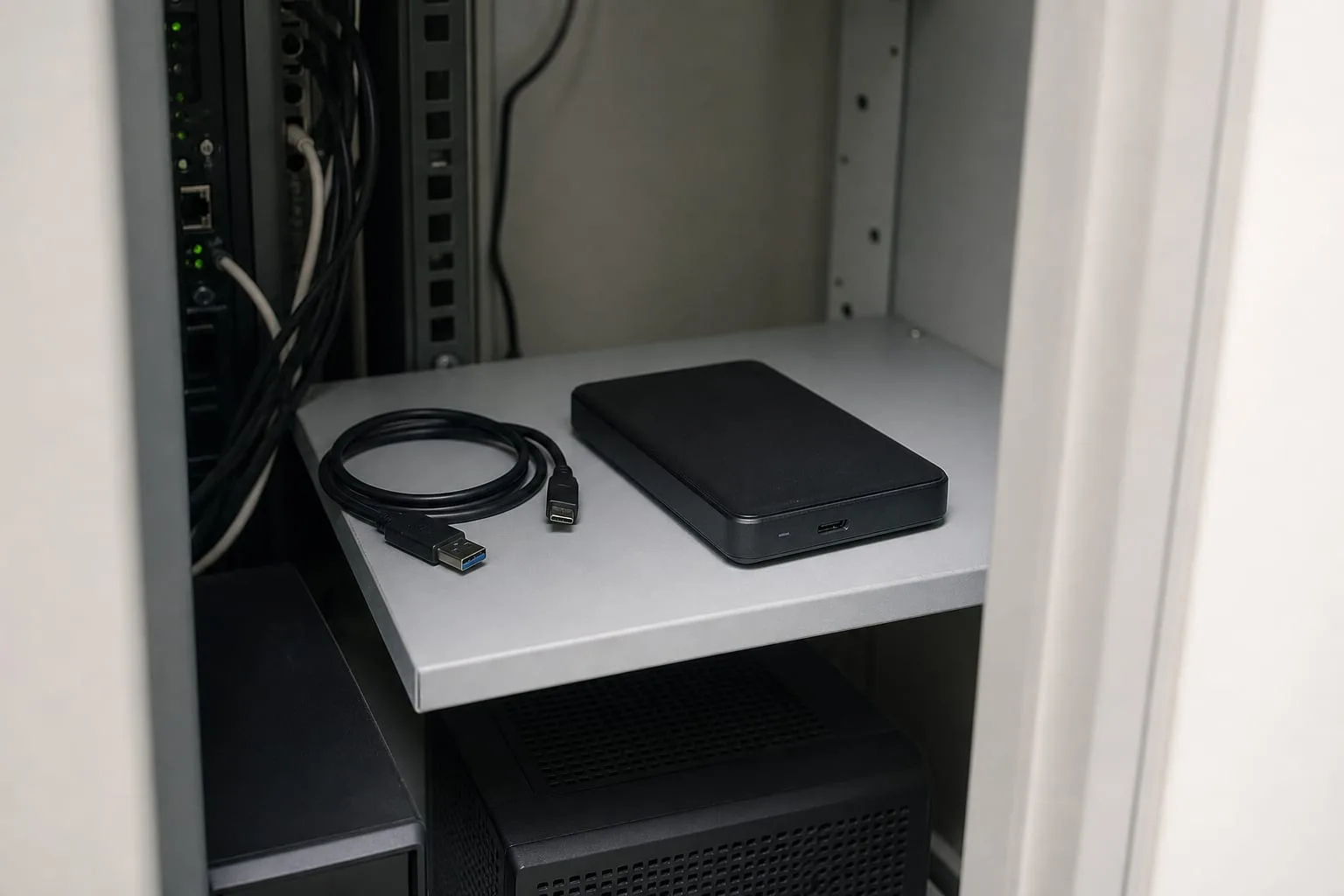
The version that survives is offline or immutable, meaning a drive physically disconnected between jobs, or storage where a written copy cannot be altered or deleted for a set retention period regardless of what credentials somebody holds. Businesses that recovered smoothly nearly always had one of those two arrangements in place beforehand, and businesses that ended up paying nearly always had a backup the compromised server could reach. That is close to the entire distinction, and it is a decision about topology rather than about software.
Is the Cloud Sync Everybody Already Has Enough?
Sync is not backup, and this is the misunderstanding that costs the most money. A sync service replicates whatever is in the folder, faithfully and quickly, which includes a deletion and includes an encryption, so the very speed that makes it useful makes it exactly the wrong behavior in a bad hour. Most of these services do keep version history, which turns them into a partial backup for anybody who knows how to use it, though the retention window is often shorter than users assume and rolling back thousands of files is a procedure that has to be practiced before it is needed at speed.
What Separates the Businesses That Recover Quickly?
One thing came up from everybody asked, which is that they had restored something recently. Not tested the backup, which usually means checking that the job reported success, but actually restored from it: pulled a real file back, or better, stood a real system up from the backup on different hardware. Every other finding falls out of that exercise, because the restore surfaces the scope gaps by showing you what is missing, surfaces the unrestorable database immediately, and surfaces the encryption key stored only on the machine that just died.
For a business with eight people and no technical staff, the whole of it fits into an afternoon. Write down what would actually stop you trading, which is the accounting data, the customer list, the current job files and the licenses, then confirm each of those sits inside a backup job by name. Keep one copy the network cannot reach. Then restore something on a day you chose, twice a year, and time how long it takes to work out how. Learning that on a quiet Wednesday costs an hour, and learning it on a Monday morning with the phone ringing costs the week.
Tobias Renfrew
Tobias covers complaints, claims, and the paths open once something has gone wrong.